Mods / Minecraft menus, for players and modders
Galdur UI
Galdur UI changes the look of Minecraft’s menus. Players install it to restyle their whole game and pick their colors. Modders use it for the menus of their mod or server.
- Version
- 1.1.0
- Minecraft
- 1.20.1, 1.21.1, 26.3
- Loaders
- NeoForgeFabricForge
- Menus
- +20% FPS*
* Measured with Spark, from small chests to big storage terminals. Unofficial project, not affiliated with Mojang Studios or Microsoft.
Who it’s for
Player or modder?
Player
Turn on “Galdur look on every menu”: options, inventory, chests and other mods’ menus share one look. Pick your colors, gradients included, and share your theme with a copy and paste.
Modder
Describe a window in a few lines, or give your existing screens the Galdur look in one line. Same code on all three loaders, and the item grid works with JEI and EMI.
The project
What is Galdur UI?
We wrote it for our own mods because we were tired of hand-coding the same menus, then released it as a separate library for other modders.
It is free software (LGPL v3) and the code is on GitHub.
Performance
More FPS in menus
Galdur UI draws items in a few grouped passes, not one by one like vanilla.
- +20% FPS on average in menus. Our terminal runs at 120 FPS, against 94 for the vanilla creative inventory.
- 50,000 item types in a single grid, tested in game.
Measured with Spark. Results vary from machine to machine.
Every item in the game on screen, same machine (FPS)
In pictures
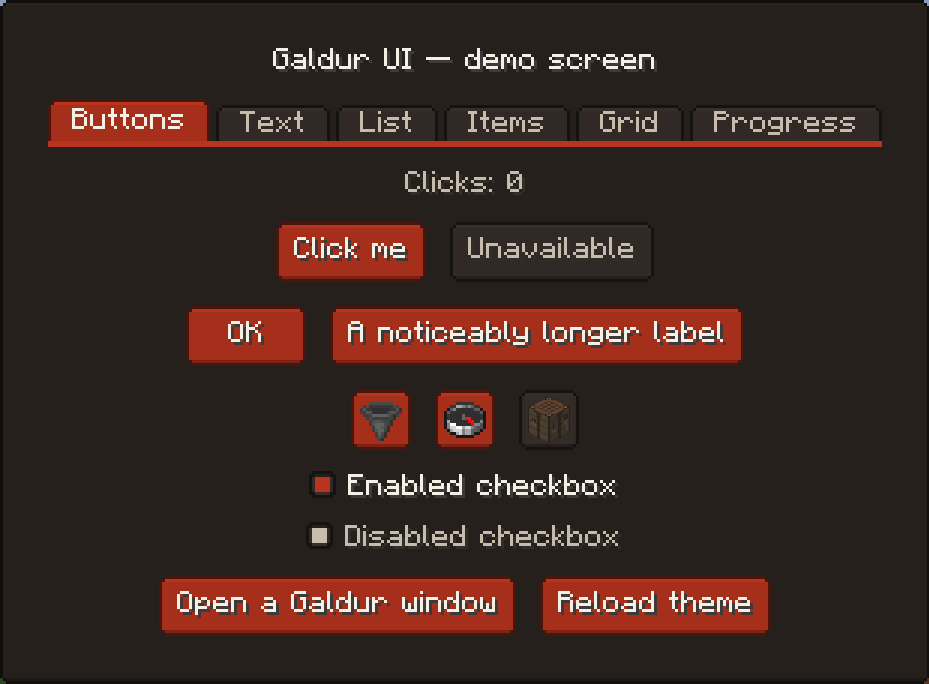
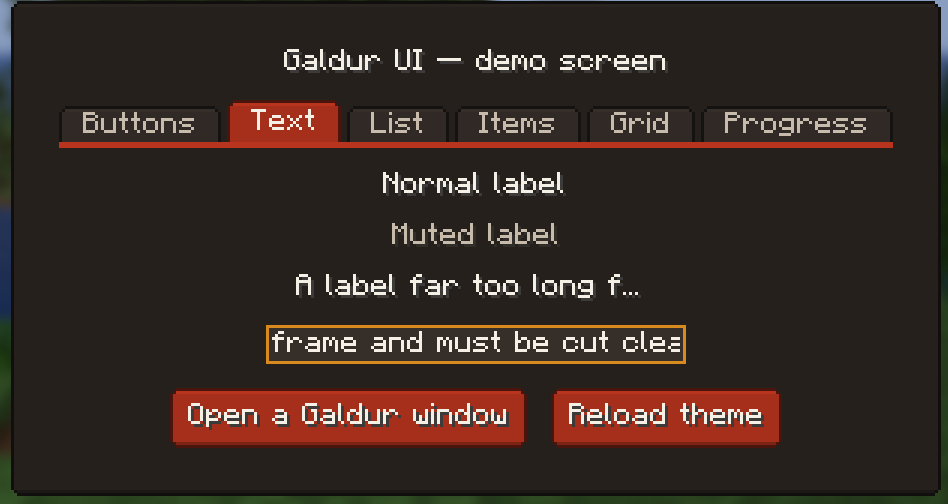
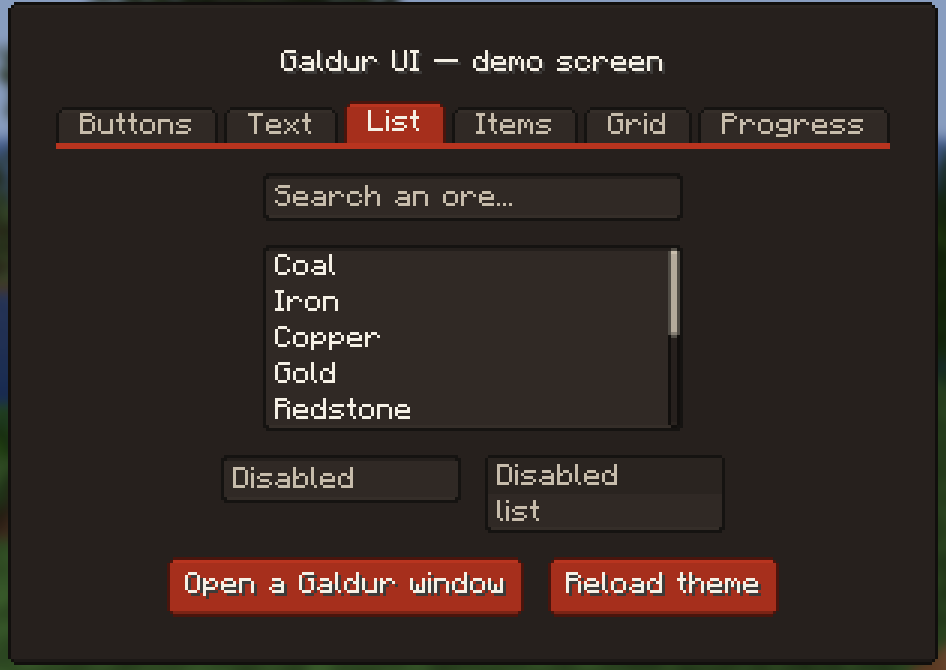
The demo screens, tab by tab
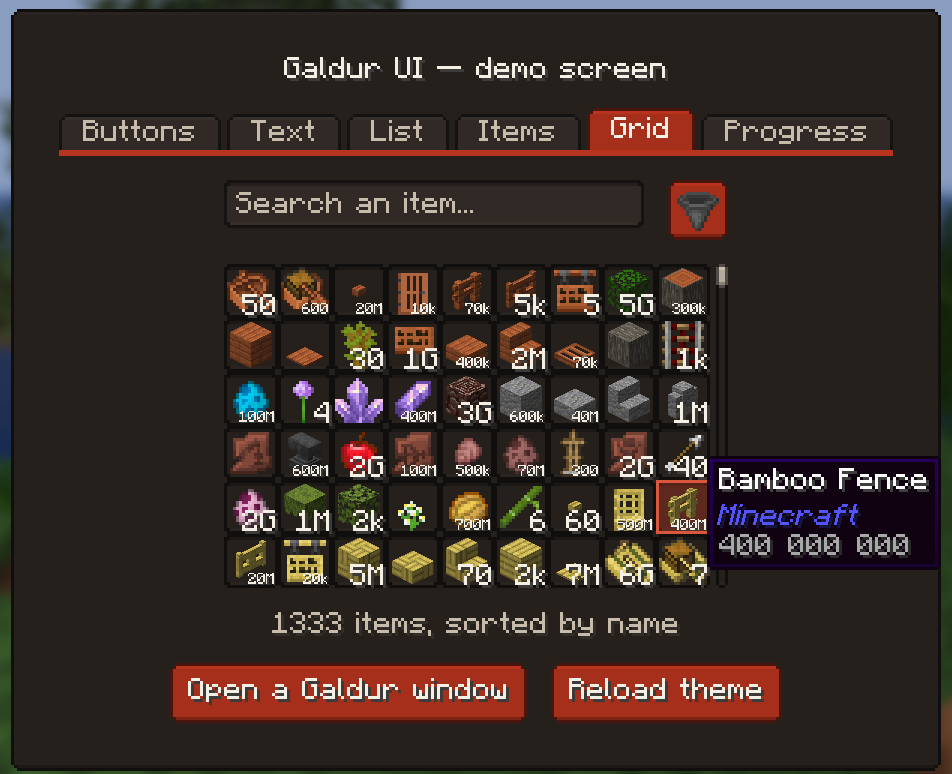
Everything here is built with Galdur UI.
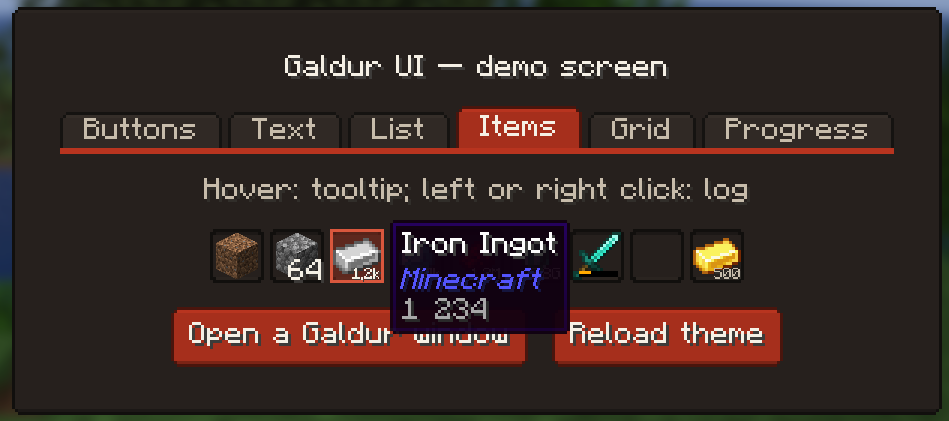
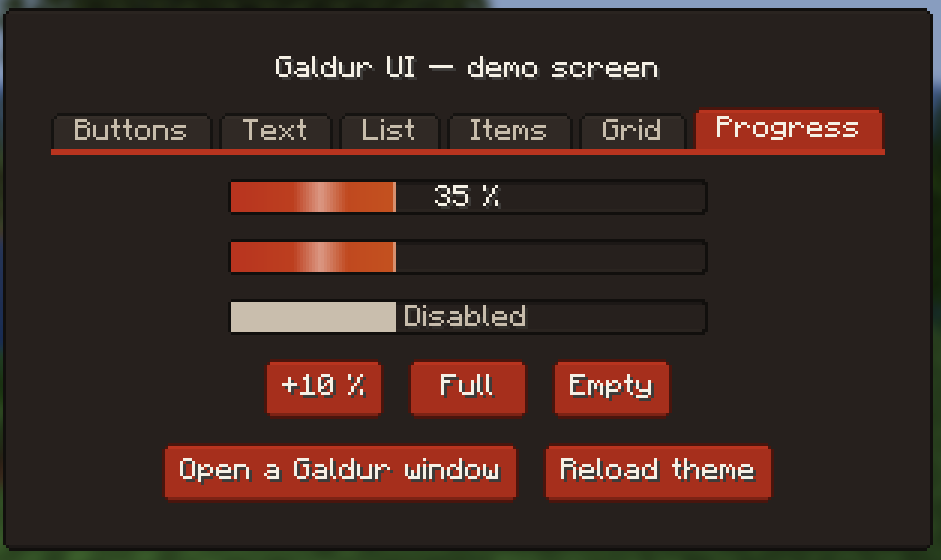
1,333 items in a sorted grid, with a search field.
Modders
Using Galdur UI in your mod
Minecraft 1.20.1, 1.21.1, 26.3, same code on NeoForge, Fabric and Forge. Setup is in the documentation.
FAQ
Common questions
I’m a player: do I need Galdur UI?
If a mod asks for it, or if you want to restyle your game. Put the file for your loader (NeoForge, Fabric or Forge) in your mods folder.
Is it like Jade?
No. Jade shows info about what you look at. Galdur UI changes the look of menus, and other mods use it to draw theirs.
Which Minecraft versions does it support?
Minecraft 1.20.1 (Forge, Fabric), 1.21.1 (NeoForge, Fabric, Forge) and 26.3 (NeoForge, Fabric).
Where do I download Galdur UI?
On CurseForge, or from the Releases of the GitHub repository (one file per loader). The Modrinth page is coming.
Can I use it in a mod with a different license?
Yes, whatever your mod’s license is. Galdur UI is LGPL v3.
How do I use it in my mod?
Add the Gradle dependency and describe your window in a few lines. The guide is in the documentation.
Bugs and ideas
Post them on the Discord, where we announce new versions first.